

There is a useful pause between opening a calculator and entering the first number. I use it to write one sentence describing the decision. For a decimal calculator, that sentence might concern a project lead checking a shared budget, a result needed by a meeting at 10 a.m., and percent changes, averages, and one unusually large expense. A written question keeps the units aligned. Once the question is narrow, the arithmetic usually becomes the easy part.
Decimal behavior matters when money and measurements meet. Binary floating-point can display artifacts such as 0.1 + 0.2 becoming a long nearby value if the interface does not format the result. A decimal calculator should state its precision and rounding method. Measurement work should preserve only defensible digits. Do not round each step in a long calculation unless the rule requires it; keep guard digits internally and round the final reported result.
Rounding belongs to the decision. A restaurant bill may round to cents, paint may be bought by the full can, and a study schedule may work in five-minute blocks. I keep extra digits during the working and round once at the end. If rounding upward protects a deadline or purchase, say so in the note. Silent rounding can make two careful people appear to disagree when they followed different policies.
Good error messages describe the repair. Division by zero, an empty field, two decimal separators, or an unsupported symbol should not produce a generic failure or a made-up zero. An error should not erase ten careful entries. A decimal calculator should also handle very large and very small values deliberately, using scientific notation only when it helps readability and explaining any practical input limits.
Calculator pages sometimes ask for more information than the arithmetic needs. A basic percentage, date interval, or unit conversion rarely requires a login, contact list, precise location, or uploaded statement. Test data reveals the workflow without exposing private figures. If the task involves birth dates, pay, bills, or health data, I prefer tools that explain storage and provide an obvious way to clear history.
Copying a result should carry enough context to remain useful. The expression 425 * 1.0825 = 460.0625 explains more than a bare 460.06, especially when a teammate needs to check the tax rate. The result travels better with its expression and label. A calculator with tape or history can support this workflow well, but exports should use plain text or a simple table that opens without a special account.
The related options serve different working styles. The nearby choices include a calculator online, a basic calculator, and an order of operations calculator. Extra functions do not help if they hide the one operation I need. For one subtraction, a basic tool is enough. For repeated edits or an auditable total, visible working matters more than a crowded scientific panel.
Before entering anything, I estimate a range. If a weekly cost is around $20, a monthly result near $80 to $100 is plausible; $800 is a warning. Mental math gives the display a basic reality check. For a project lead checking a shared budget, that check happens before a meeting at 10 a.m., with percent changes, averages, and one unusually large expense written beside the inputs. A polished interface can still return a bad answer when the wrong units or time period went into it.
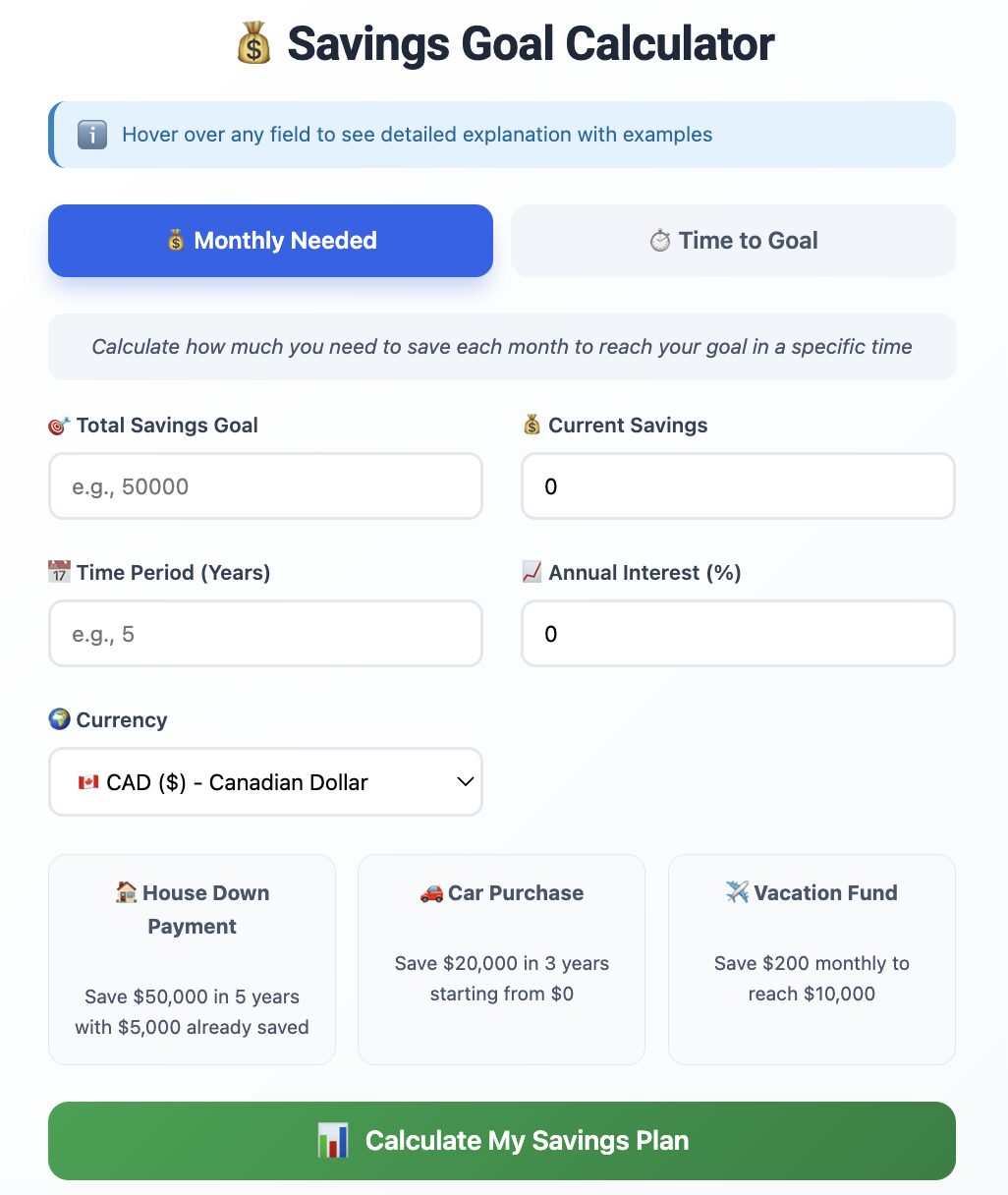
A useful online tool should recover from interruptions. Refreshing the page, switching tabs, or rotating a phone should not silently scramble the current expression. At the same time, automatic saving needs a privacy boundary. A local draft can be helpful if there is a clear reset button. When I use an online calculator for client or household figures, I copy the final working into the project note and clear the page before moving on.
I change one input after the first result and predict the direction of movement. A higher rate should raise a cost; a later deadline should lower the required monthly saving; a longer break should reduce paid hours. The second run confirms which input controls the answer. If the displayed result moves in the opposite direction, I reread the labels and formula before sharing anything.
Number formats change across locales. One person reads 1,250 as one thousand two hundred fifty; another may read 1,250 as one and a quarter. Pasted values can also include spaces, currency signs, or nonbreaking separators. The calculator should echo the normalized number before using it. A decimal calculator should not guess silently when the format is ambiguous. A locale setting or explicit message is safer than a plausible but wrong answer.
https://calculatoronline.xyz is deliberately small. I alter one field, confirm that the result moves in the expected direction, then restore the real value. That tells me I understand the calculator well enough to explain it. The note records both the input period and final unit. With a meeting at 10 a.m. ahead, a project lead checking a shared budget can act on the number without forgetting percent changes, averages, and one unusually large expense.